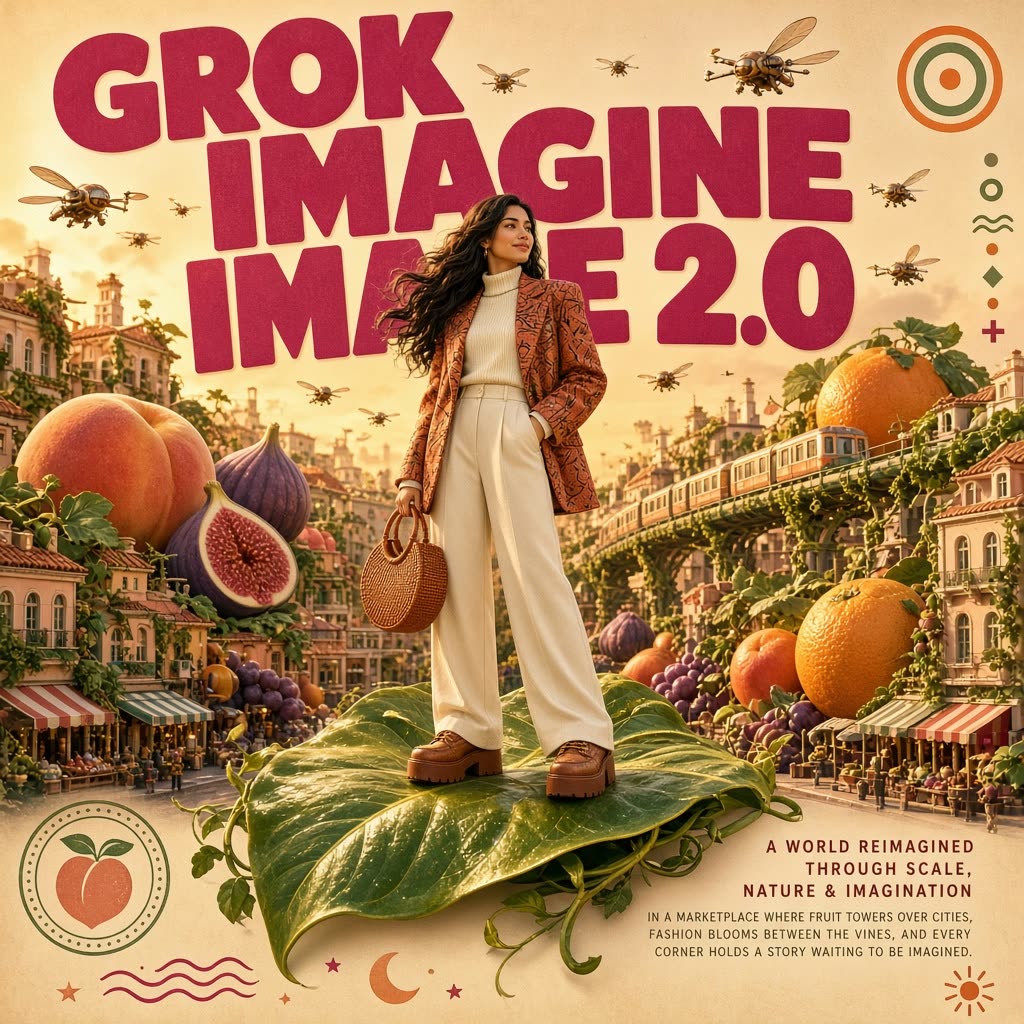
This ComfyUI workflow turns a single text prompt into a finished image using Grok Imagine Image 2.0, an Aurora‑engine model optimized for crisp short‑text rendering and high‑quality 1K or 2K outputs across 14 aspect ratios. The GrokImageNode handles the API call to the Grok model, and the SaveImageAdvanced node writes the result to disk with your chosen filename pattern and location.
Technically, the GrokImageNode packages your prompt and generation settings—such as quality (low or medium to control cost), target resolution (1K or 2K), and aspect ratio—then submits them to the Grok service and returns the generated image to the ComfyUI graph. SaveImageAdvanced then saves that image to your output folder with predictable naming, making it easy to iterate. The workflow is ideal for poster and cover design, product and brand visuals, and character‑driven scenes where consistent looks matter, especially when you need sharp, readable short text in the composition.
API
코드에서 이 워크플로우 사용하기
모든 Comfy 워크플로우는 JSON 그래프입니다. 아래 페이로드는 이 워크플로우 그 자체로, ComfyUI에서 실행되는 것과 동일합니다 — URL에서 가져오거나, 버전 관리에 보관하거나, ComfyUI에서 불러와 노드별로 실행할 수 있습니다.
Comfy SDK로 TypeScript 또는 Python에서 실행하세요. 동일한 코드는 Comfy Cloud 또는 직접 호스팅하는 ComfyUI 모두에 적용됩니다 — 기본 URL만 다릅니다.
// Install (beta)
npm i @comfyorg/sdk

// Run this workflow (TypeScript)
import { Comfy } from "@comfyorg/sdk";

const client = new Comfy({ apiKey: "comfyui-..." });
const wf = await client.workflows.fromFile("workflow_api.json");
const job = await client.run(wf);
await job.getOutputs("<output-node-id>")[0].toFile("output.png");
SDK는 API 형식의 워크플로우를 사용합니다: 이 워크플로우를 ComfyUI에서 열고 파일 → 워크플로우 내보내기(API)를 사용하세요.
FAQ













